
1. Set Up MARS Now
Go to My Cards, activate MARS Now on the card you want to use as backup, and set the amount available for MARS Now.
Download MARS, open your account in 30 seconds, and manage all your cards in one place.Click here to experience it.

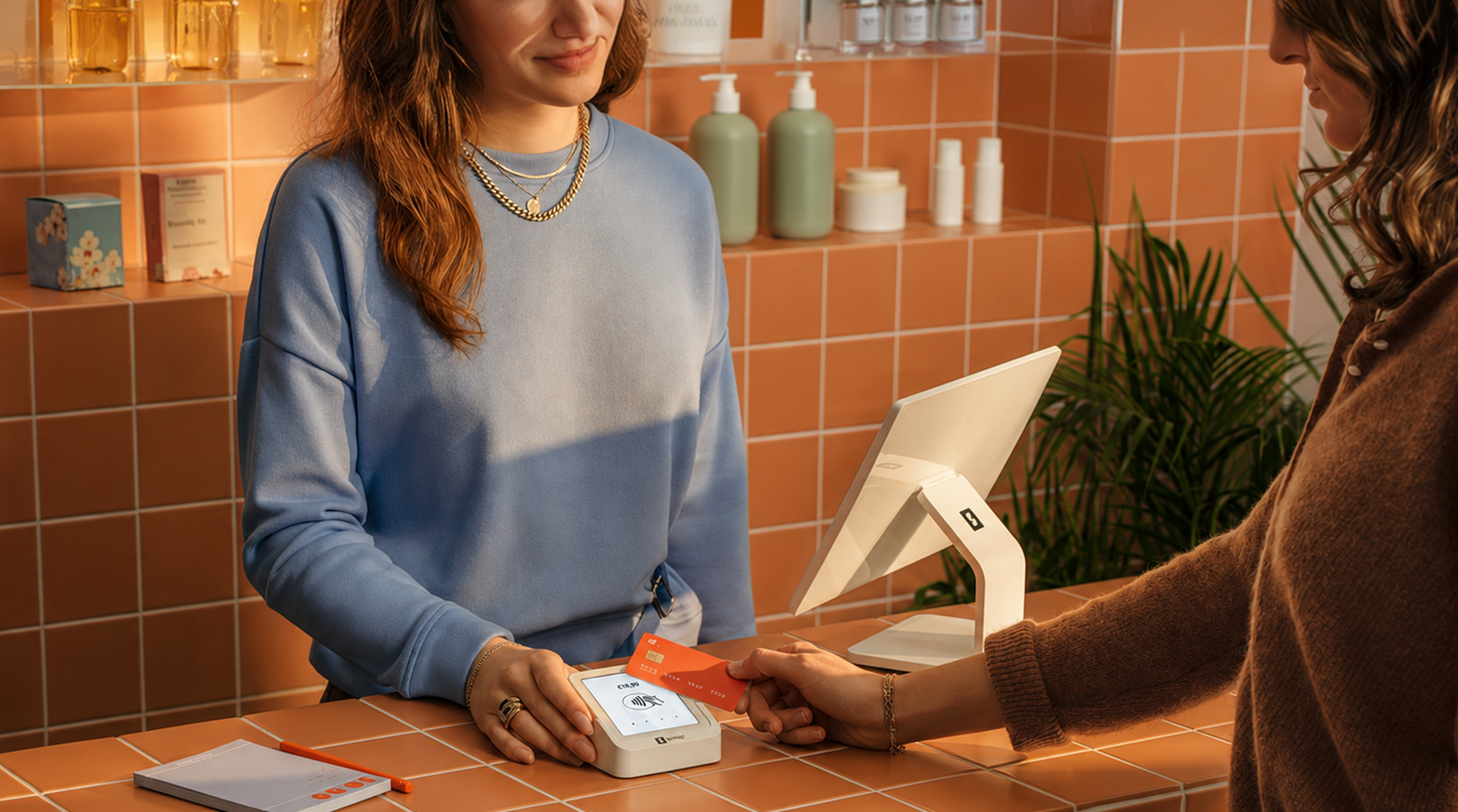

Activate MARS Now on your cards and use your saved cards as backup for your MARS card. When your MARS balance isn’t enough for a payment, MARS Now automatically steps in, covers the missing amount, and keeps your payment going without interruption.
No need to check your balance or manually add money before every purchase. You pay. Let MARS Now handle the rest.
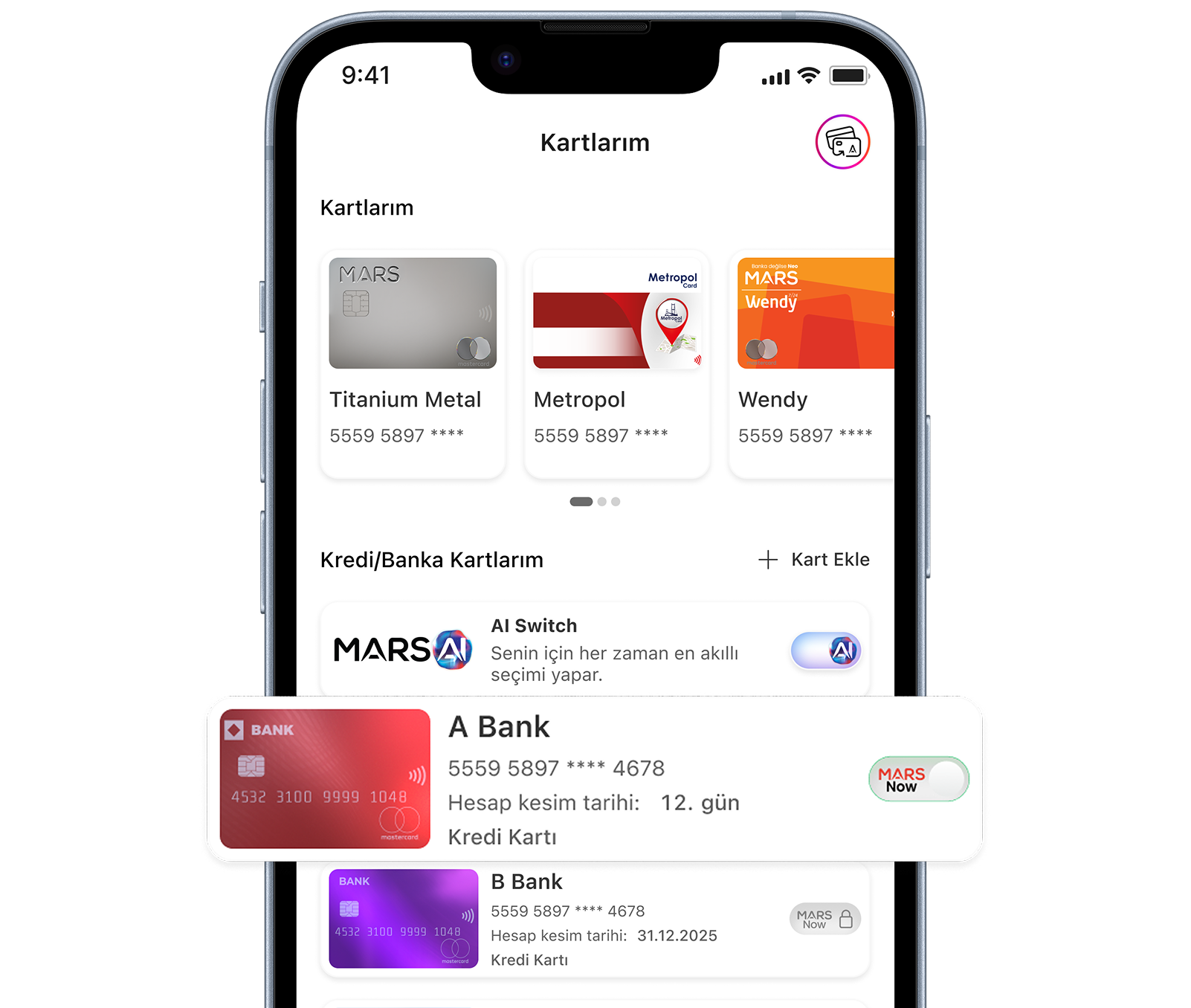
No need to check your MARS balance before every purchase. With MARS Now active, your backup card steps in whenever you need it.
The missing amount is automatically added to your MARS balance, so your payment goes through without an insufficient balance error.You pay. MARS Now covers the rest.
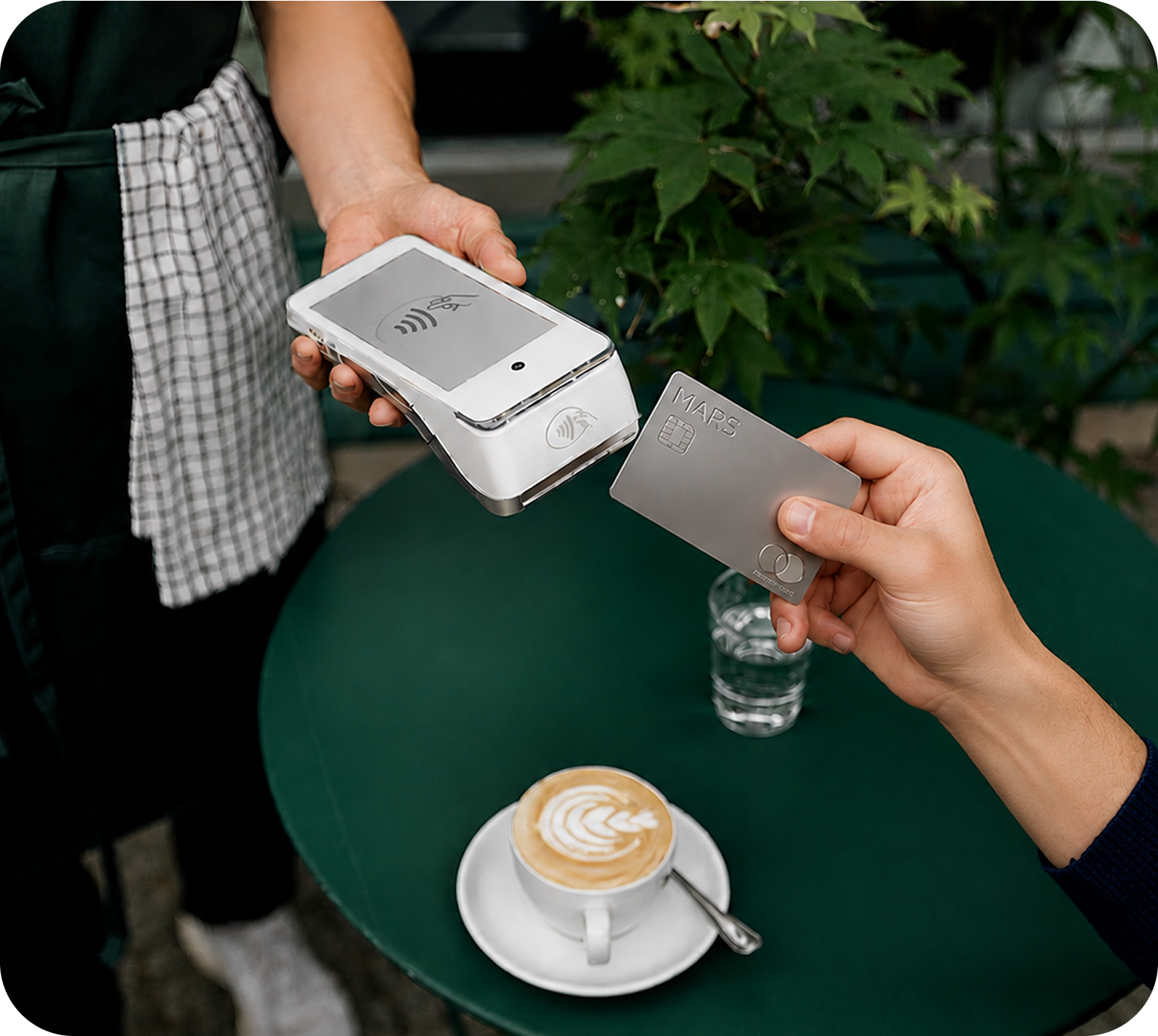
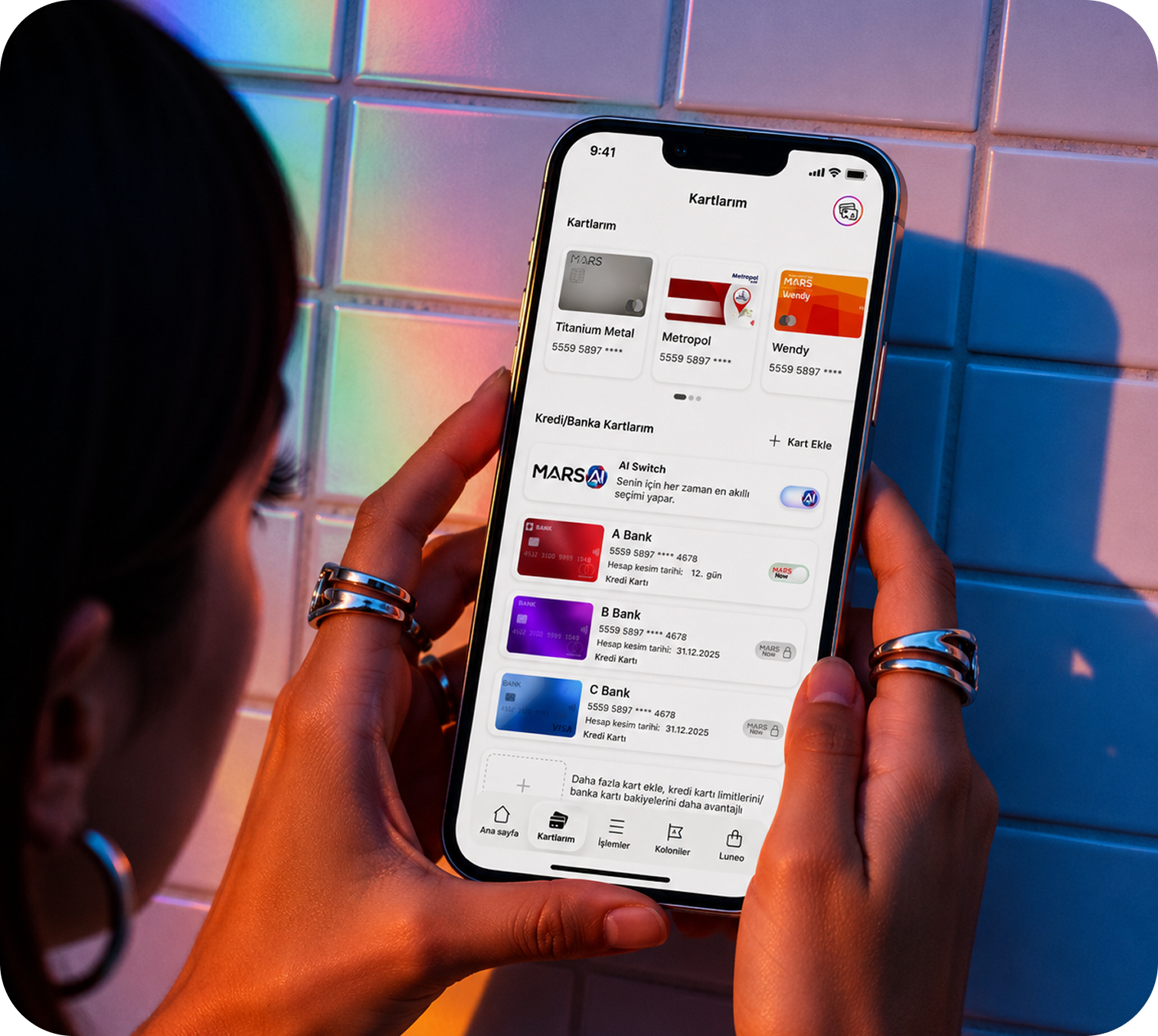
Make MARS Now even smarter by activating AI Switch.
AI Switch identifies the backup card with the latest statement closing date and automatically selects it whenever MARS Now is needed.
MARS Now covers the balance. AI Switch chooses the card.
Activate MARS Now on your card and set the amount you want to use. When your balance falls short, MARS Now automatically steps in and covers the difference.
Go to My Cards, activate MARS Now on the card you want to use as backup, and set the amount available for MARS Now.
If you have multiple MARS Now cards, let AI Switch choose which card to use.
Use your MARS card for your everyday purchases. If your balance is enough, pay as usual. If not, MARS Now steps in.
MARS Now automatically transfers the missing amount from your selected backup card to your MARS balance, so your payment goes through without interruption.

Sign up in just 30 seconds and experience premium finance at its best.
Join MARS
Manage your financial transactions with ease, and leave the security to MARS technology.
 Infrastructure compliant with CBRT regulations
 Mastercard security standards
 Instantly block suspicious transactions
 Instantly freeze your card if lost